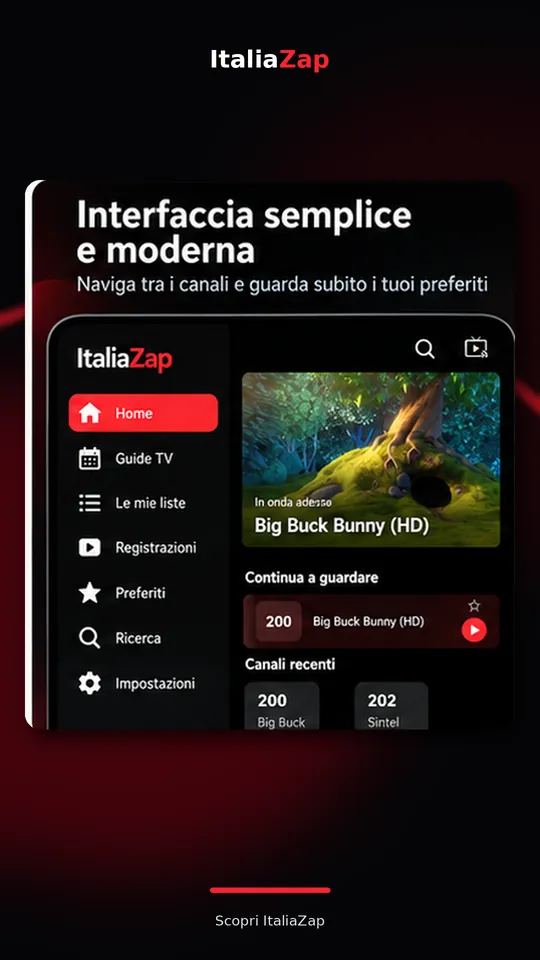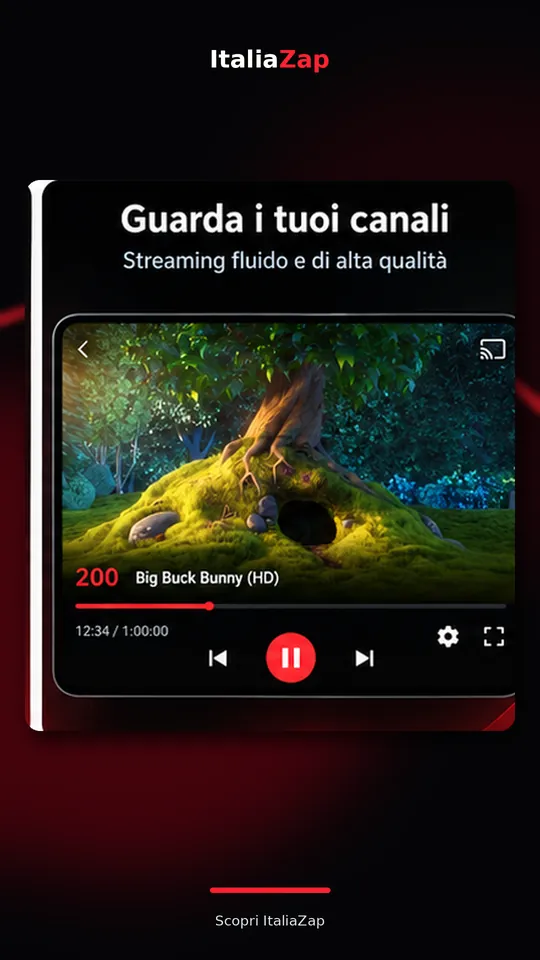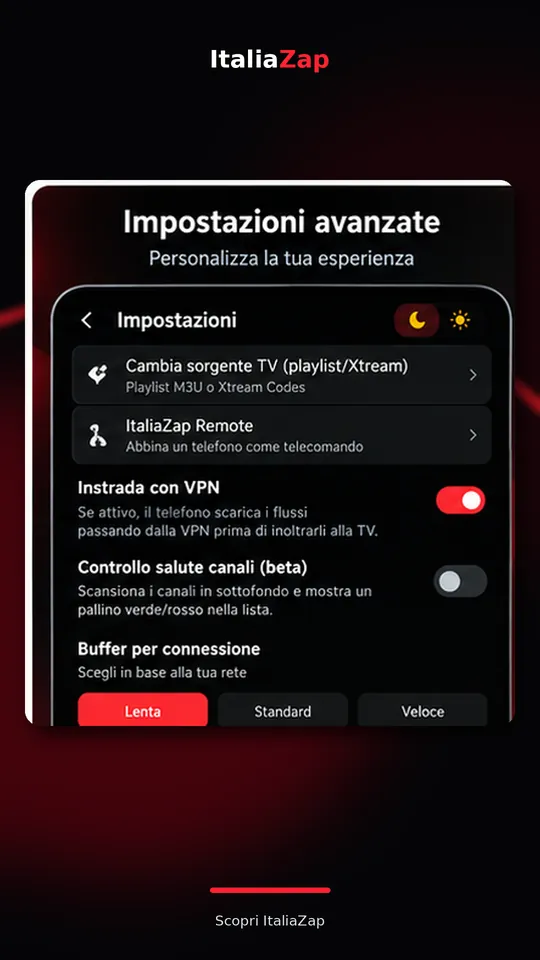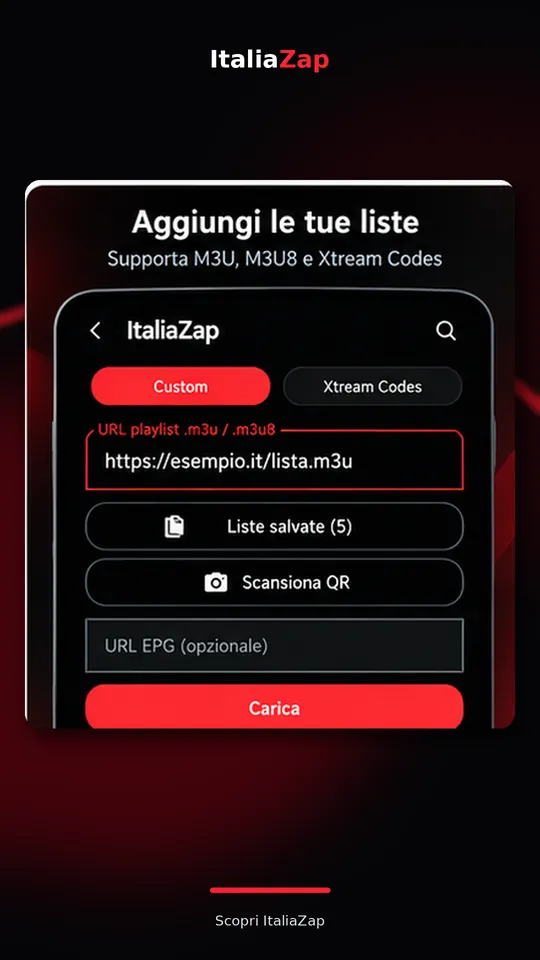

ItaliaZap · TV player for Android, iPhone, Apple TV, Fire TV and Windows
Your TV.
Everywhere.
Your M3U playlists and Xtream Codes logins in one app, with a TV guide, movies and series, multi-screen and recordings. From your phone to the living-room TV.
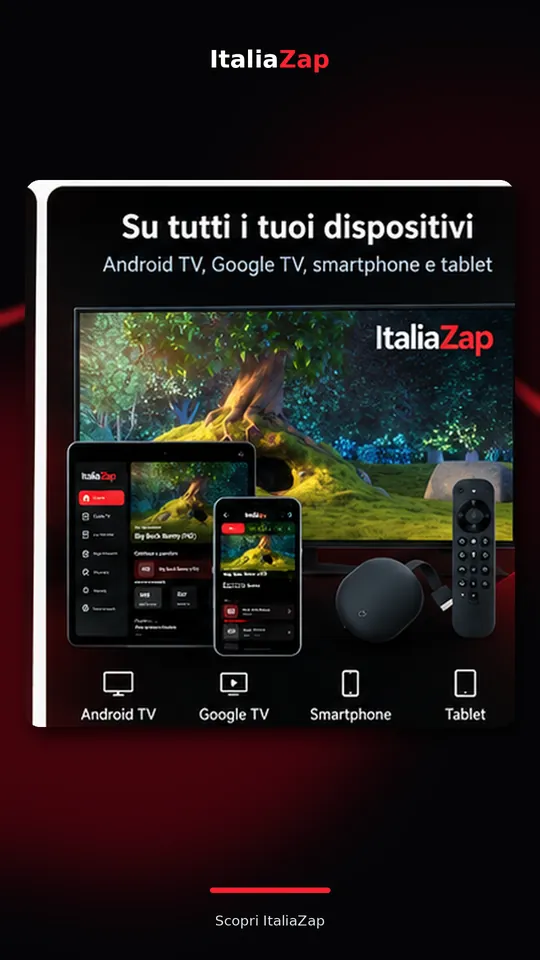
Phone · Tablet · Android TV · Google TV · Apple TV · Fire TV · PC
ItaliaZap is now on Apple TV and on Fire TV with Vega OS. Coming soon to Samsung and LG smart TVs.
What's new
Now on the big screen in your living room.
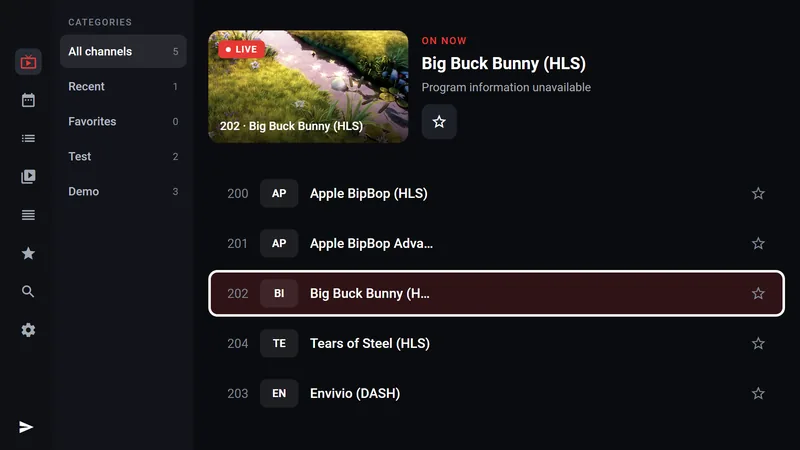
ItaliaZap comes to Apple TV and Fire TV with an interface built for the remote: TV guide, fast zapping, movies and series just a click away.
Fire TV
On the Amazon Appstore for Fire TV devices with Vega OS: installs like any other app, no tricks needed.
- Fire TV Stick 4K Select and other Vega OS models
- Zap with the arrows, channel numbers, TV guide
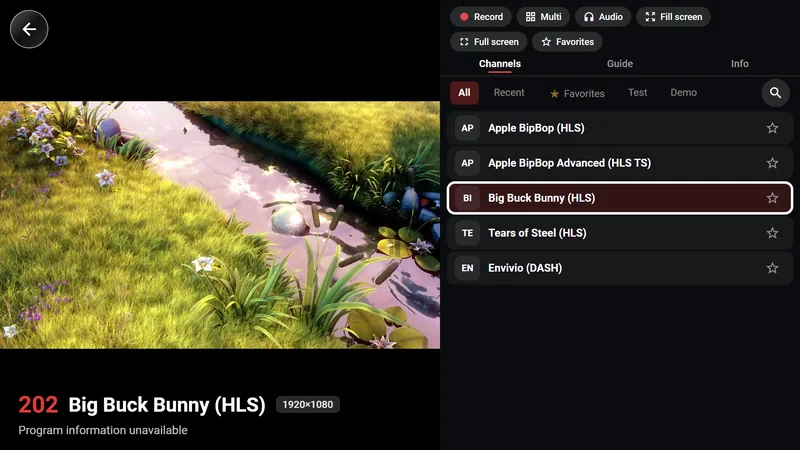
- Movies and series with “For you”
Your playlists come from your phone, not the remote.
A QR code appears on the TV: scan it with ItaliaZap on your phone and your playlists move to the TV. No long addresses to type one letter at a time.
Features
Everything you need. Nothing you don't.
Add your playlist once: ItaliaZap sorts it, adds the TV guide and makes it easy on every screen.
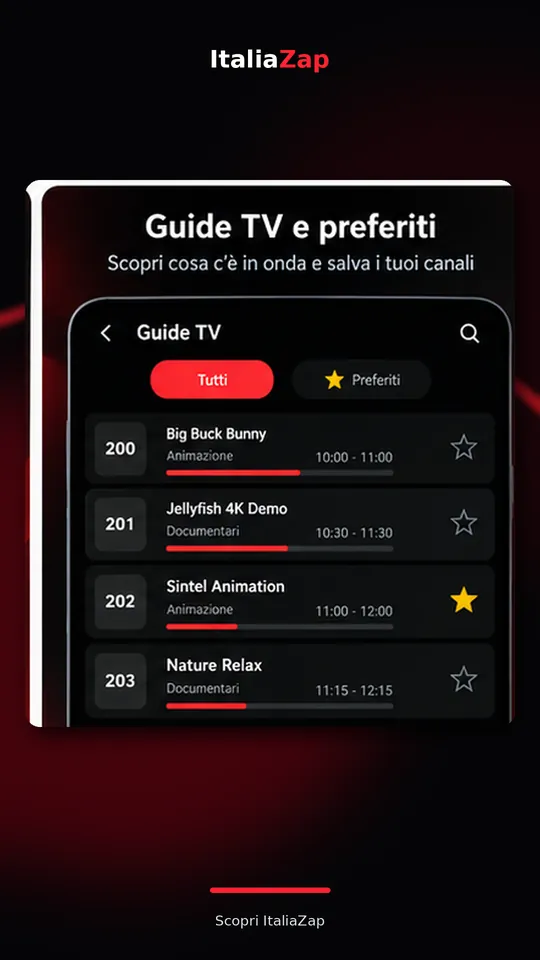
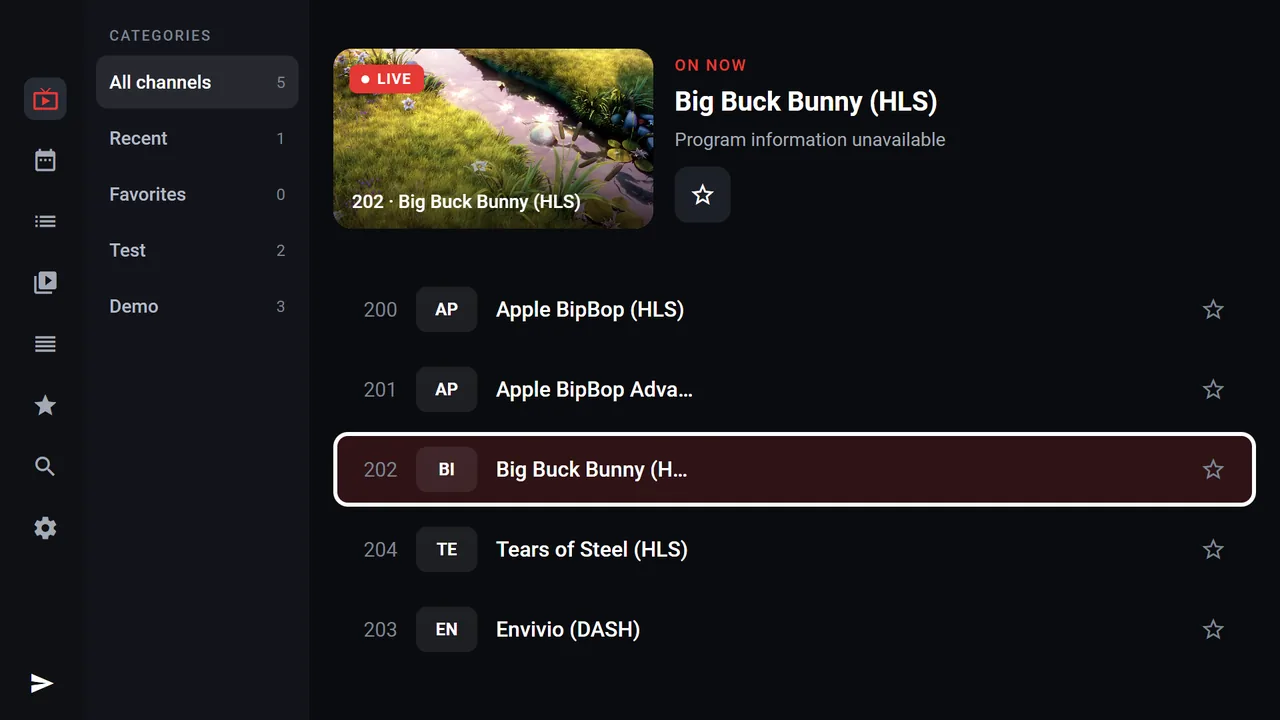
TV guide
What's on now and what's next, channel by channel. Schedule a recording with one tap.

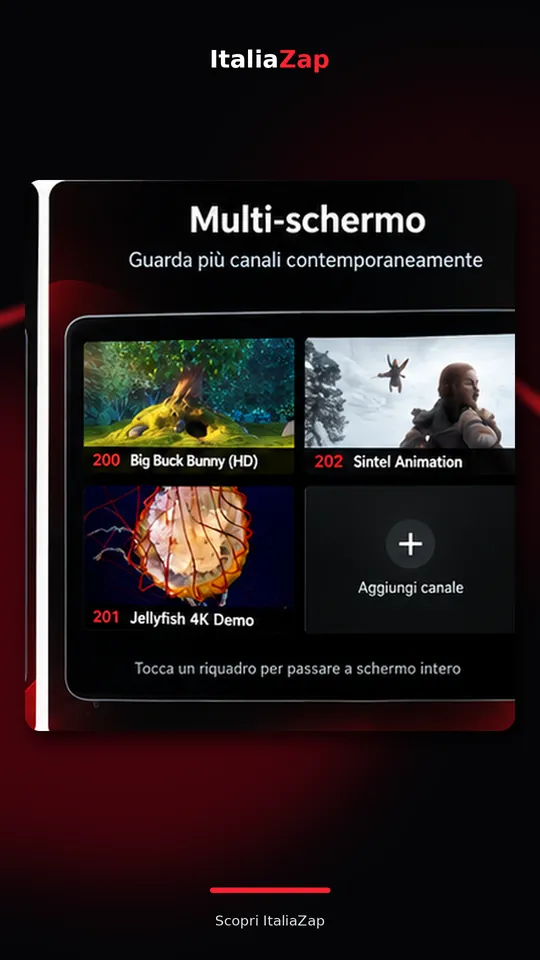
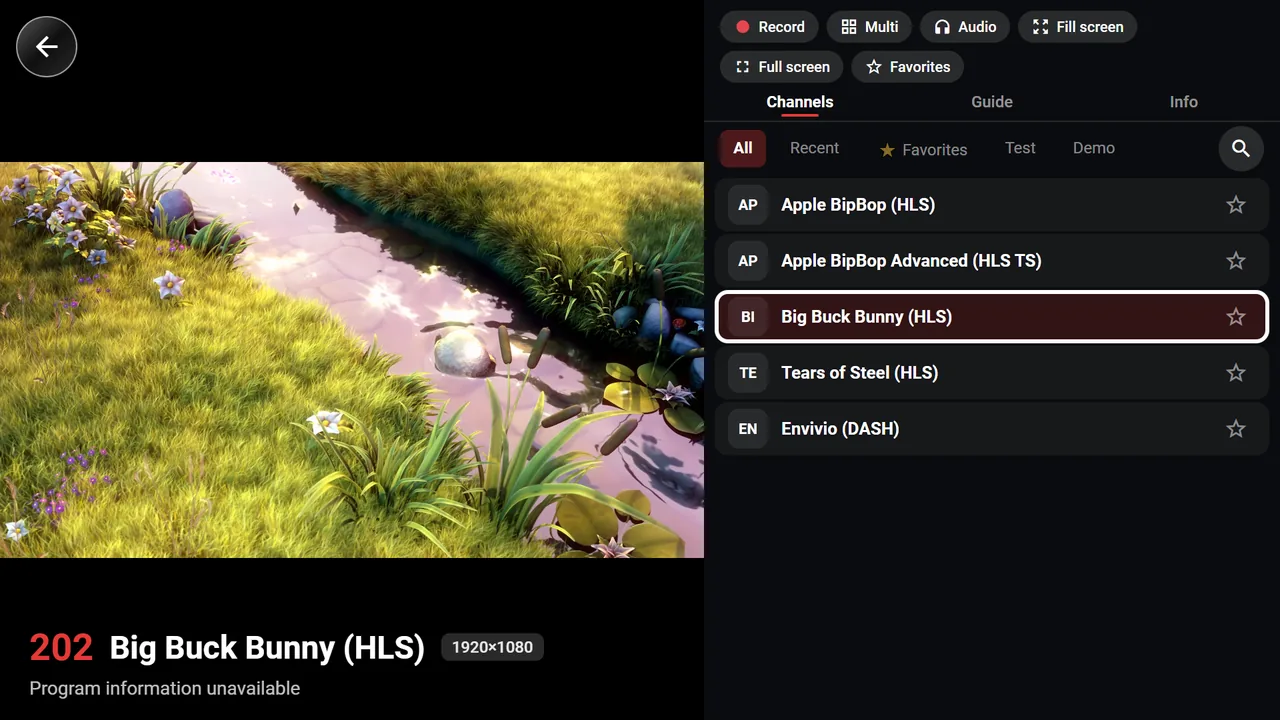
Multi-screen
Several channels on one screen at once, when your device supports it.

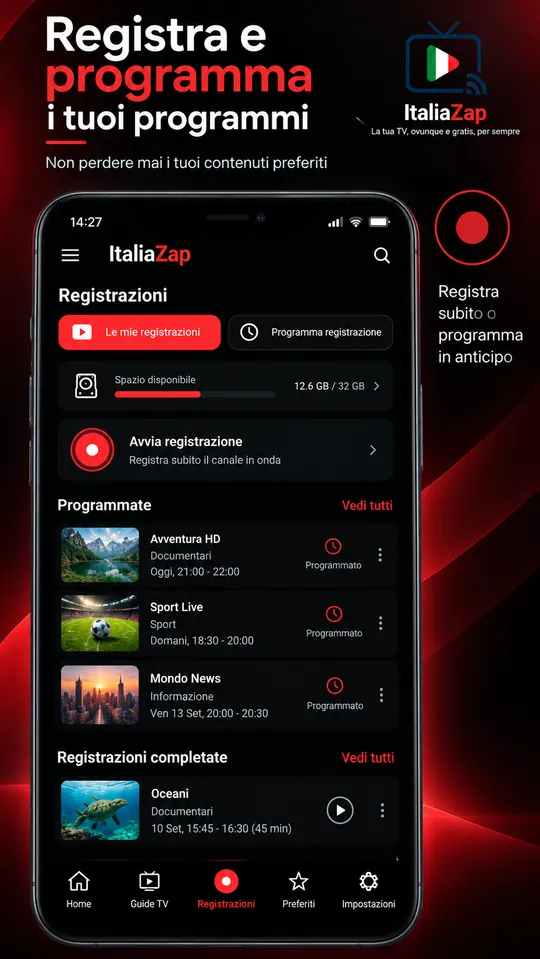
Recordings
Record what you're watching or schedule it from the guide. Files stay on your device.

M3U and Xtream Codes
Link, file, Xtream login or QR: keep several playlists and switch between them.
Movies and series
If your playlist includes them: “For you”, seasons, episodes and pick up where you left off.
Fast zapping
Up and down to change channel, numbers to jump straight where you want.
Favourites and search
The channels you always watch on top. Find the rest by typing the name.
Chromecast and AirPlay
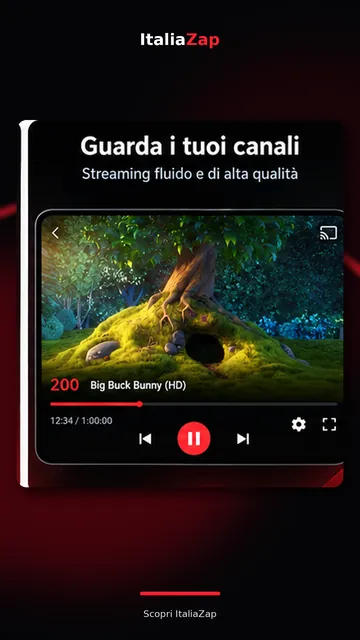
From your phone to a compatible TV with one tap.
Picture in Picture
Keep watching in a small window while you use other apps.
Parental control
Lock the categories you choose with a PIN.
ItaliaZap Remote
Your phone becomes the TV remote.
Built for TV
Full-screen interface for remote, mouse and keyboard.
18 languages
From Italian to Japanese, it follows your device language.
Advanced settings
Buffer per connection, channel sorting, light and dark theme.
No account
Playlists and favourites stay on your device, with backups whenever you want.
Screenshots
Take a closer look.


Download
Now showing on all your screens.
Same app, same features. Pick your device and get it from the official store.
-
Android
Phone, tablet, Android TV, Google TV
Full remote navigation on TV, with Chromecast and Picture in Picture on your phone.
Free
-
iPhone and iPad
iOS and iPadOS
With AirPlay, Chromecast and Picture in Picture.
3 days free · then €2.99 a year, also valid on Apple TV
-
Apple TV
tvOS 16 or later
The same app as iPhone and iPad, designed for the Siri Remote. Playlists come from your phone with a QR code.
Included in the iPhone and iPad contribution
-
Fire TV
Vega OS models
For Fire TV Stick 4K Select and other Fire TV devices with Vega OS, straight from the Amazon Appstore.
Free
-
Windows
PC with Windows 10 and 11
Mouse, keyboard and an always-on-top mini player.
Free
-
Samsung Smart TV
Tizen
The version for Samsung TVs is in the works.
Coming soon -
LG Smart TV
webOS
The version for LG TVs is in the works.
Coming soon
Your playlists move between devices with a backup, or from phone to TV with a QR code.
How it works
Three steps and you're on air.
- Step 1
Get ItaliaZap
From your device's store: Google Play, App Store, Amazon Appstore or Microsoft Store.
- Step 2
Add your playlist
An M3U link, an Xtream Codes login or a QR code. On TV you can send it from your phone.
- Step 3
Watch
Channels, TV guide, movies and series: all sorted and ready on the screen you prefer.
Transparency
You stay in control.
ItaliaZap is a player: it plays the sources you choose and makes them easier to organise.
No account needed. Playlists, favourites and settings stay on your device. Read the privacy policy
Sells no TV channels
No channel packages and no content subscriptions.
Provides no playlists
You choose and add your own sources.
Hosts no content
The app plays what comes from your sources.
Legal content only
Use playlists and services you have the rights to.
FAQ
Before you download.
Is ItaliaZap free?
On Android, Android TV, Google TV, Fire TV and Windows it's a free download. On iPhone, iPad and Apple TV you get a 3-day trial, then a contribution of €2.99 a year (local prices may vary): one contribution covers all your Apple devices.
Does ItaliaZap include channels or playlists?
No. ItaliaZap is a player: it plays the M3U playlists and Xtream Codes logins you add. It does not sell, provide or host channels or TV content.
Does ItaliaZap work on Apple TV?
Yes. On Apple TV with tvOS 16 or later, get ItaliaZap from the App Store. It's the same app as on iPhone and iPad: the yearly contribution covers the TV too.
Does ItaliaZap work on Fire TV?
Yes. ItaliaZap is on the Amazon Appstore for Fire TV devices with Vega OS, such as Fire TV Stick 4K Select.
How do I move my playlists from phone to TV?
On Apple TV and Fire TV a QR code appears: scan it with ItaliaZap on your phone and the playlists arrive on the TV without typing them with the remote. You can also add them by hand or use a backup.
When is ItaliaZap coming to Samsung and LG?
Versions for Samsung (Tizen) and LG (webOS) smart TVs are in the works. We'll announce them on this page as soon as they're in their stores.
Do I need an account?
No. Playlists, favourites and settings are saved on your device.
Switch on.
Zap.
Get ItaliaZap on the device in your hand, or on the one under your TV.